x.com the way you want
Hide unwanted posts. Highlight the topics you care about. Schedule posts, improve drafts, and crosspost to Bluesky and Mastodon — right inside X.
Install. Write. Ship.
Your feed and your composer, with controls you choose. No XCuts account required.
Add XCuts to your browser
Add it to Chrome or Safari, enable it on X, and choose the features you want.
Write your post
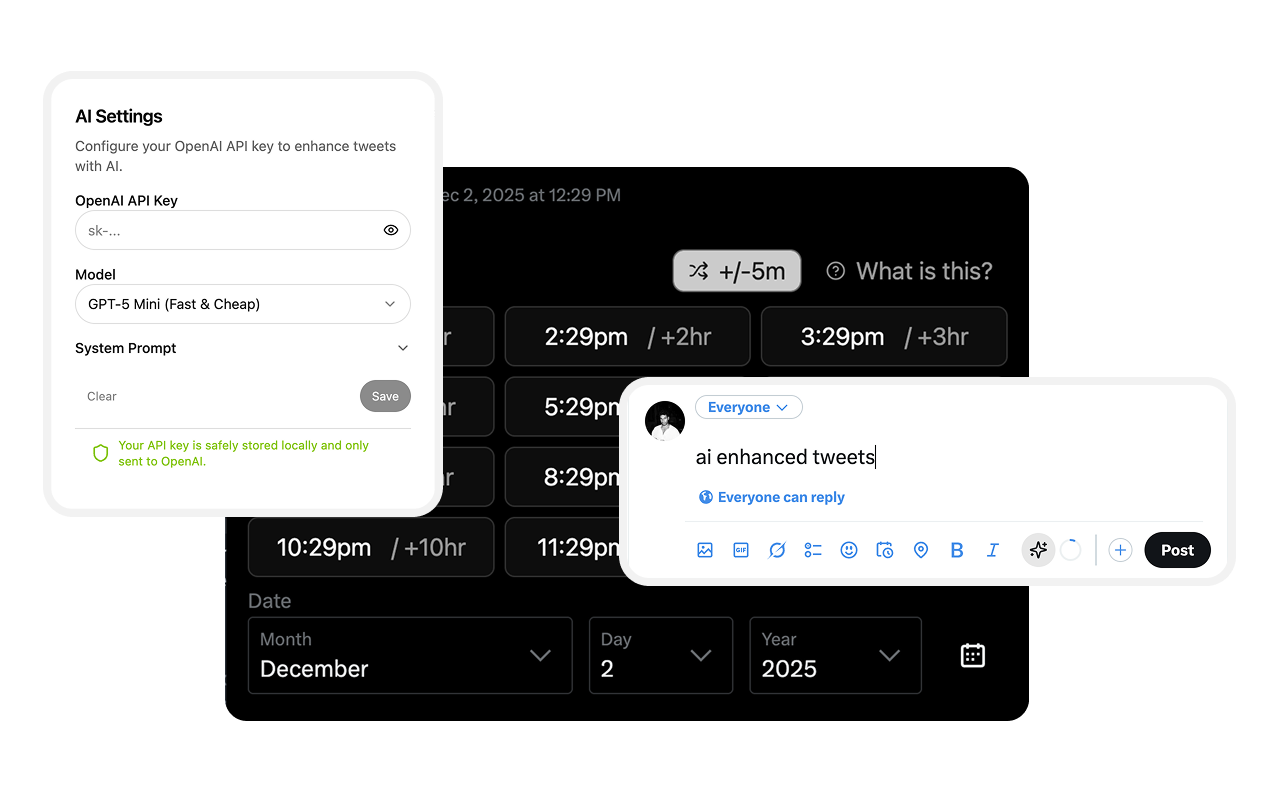
Tap a shortcut to schedule for later, or let AI sharpen your draft before you post.
Stay in flow
Focus mode hides the feed and the noise, so you actually finish and ship.
Add XCuts to your browser
Add it to Chrome or Safari, enable it on X, and choose the features you want.
Write your post
Tap a shortcut to schedule for later, or let AI sharpen your draft before you post.
Stay in flow
Focus mode hides the feed and the noise, so you actually finish and ship.
Features
Why it matters
Less unwanted content. More relevant conversations. Better tools for your next post.
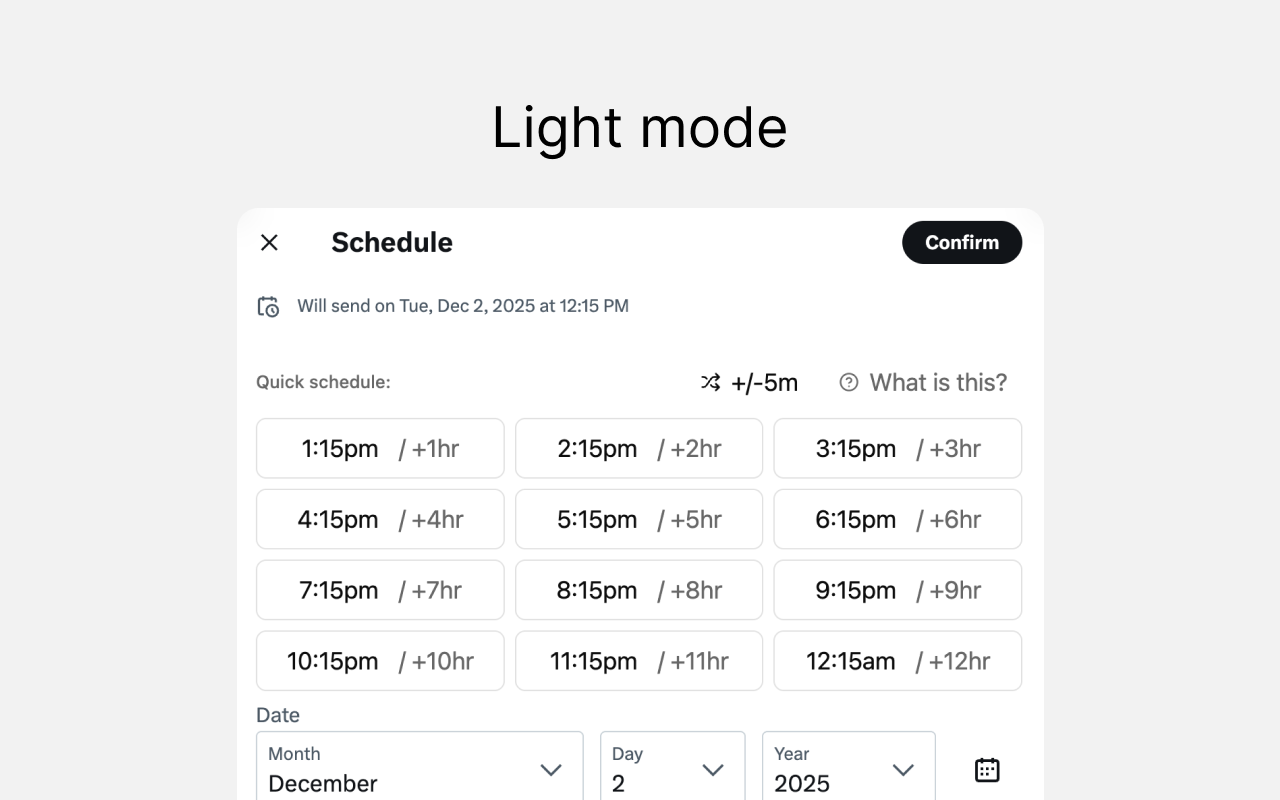
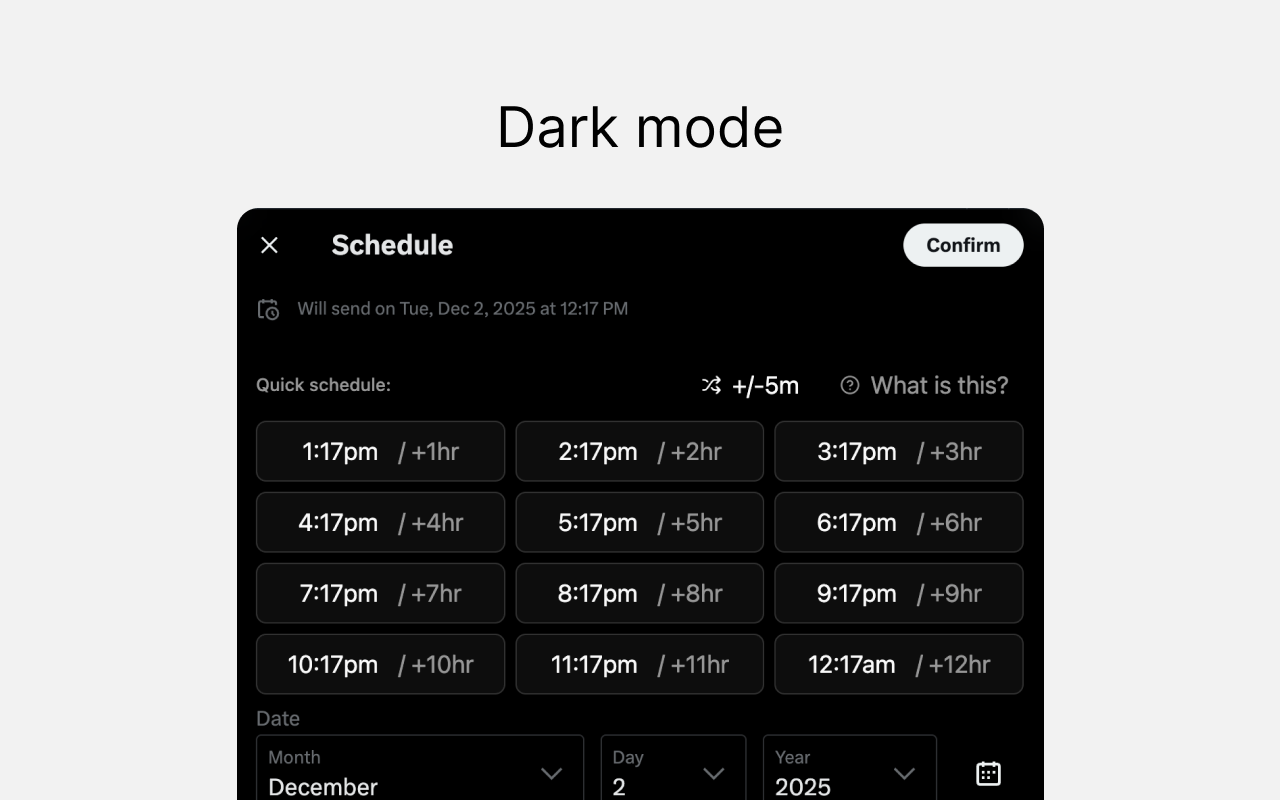
1H → 12H, one tap
Skip the date-picker fumble. XCuts fills X's native schedule modal with 'now + N hours' and sets the time for you.
Finder-style Date | Time picker
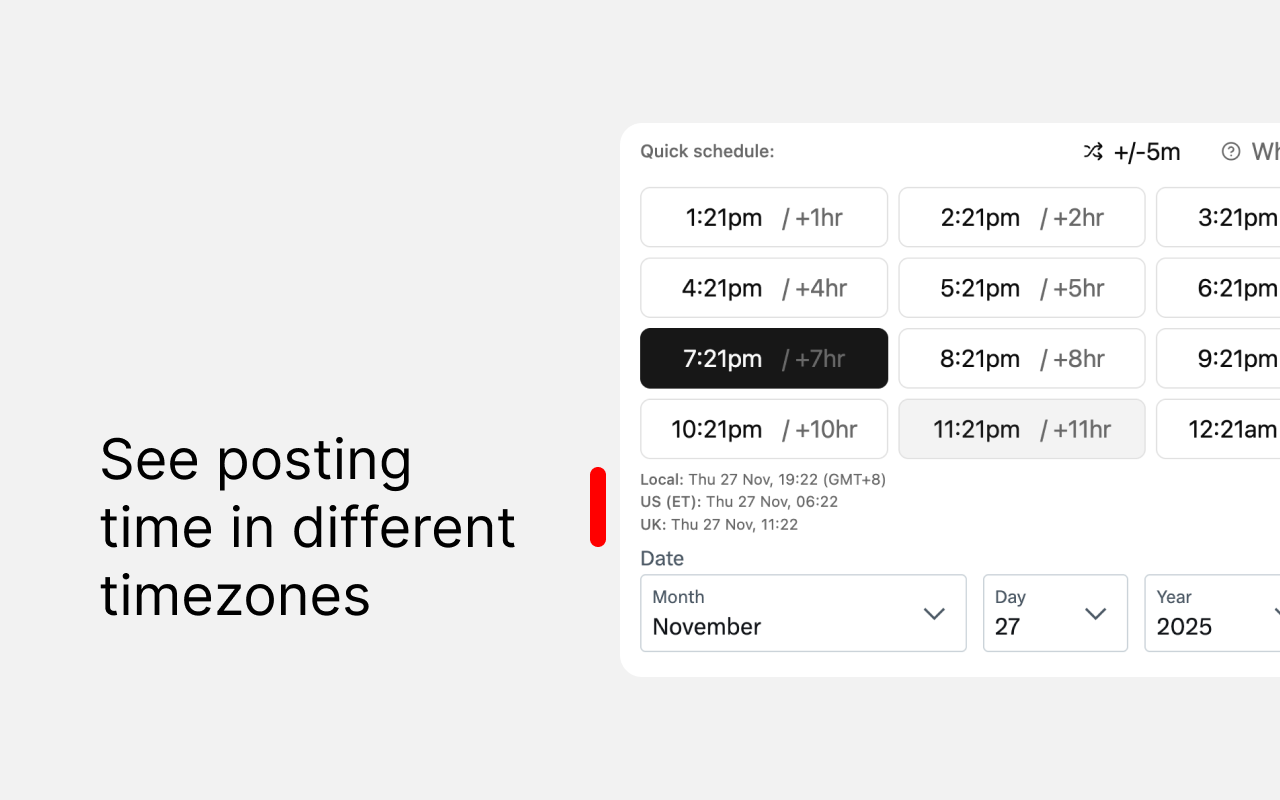
Half-hour slots with plain-English hints like 'in 3 hours,' plus a timezone selector — schedule 'as ET' and XCuts converts it to your local clock.
Hide what you don't want
Describe the posts you want to avoid. Collapse them or use a graded blur that follows X's light and dark themes. Keep the effect minimal, or choose Ray Gun, Stamp, or Crumple when posts collapse. Reveal any filtered post.
Find conversations worth joining
Describe your interests or expertise. Relevant posts get a blue left border so you can spot them as you scroll. Keep the rest of your feed visible, or choose Show matches only. You decide when and how to reply.
AI tweet rewrites
Tighten, restyle, or fix a draft with GPT in an inline popover. Preview it, accept only if it's better. Uses your own OpenAI key.
Distraction-free composer
Hide X's left nav or right sidebar independently from the popup — or hit one toggle for full focus mode: timeline, sidebars, and trends gone, just you and what you're writing.
Your choice of browser and AI
Use Chrome or Safari. The optional feed filter includes the XCuts classifier, or you can use your own OpenAI key. Settings stay in browser storage. Enabled AI features send text for processing; see the privacy policy for details.
Make X work for you.
Choose what to see, write with fewer distractions, and share your posts across platforms. No XCuts account required.
Free · No XCuts account required